“Patient’s Log”: Track your Insurance Calls Like a Provider (In 60 seconds)
Stop scribbling on scrap paper. Here is the exact system I use to hold insurance companies accountable (and keep track of what has been said).
In my last post, I talked about the importance of documenting every single interaction with your insurance company. But let’s be honest: when you are managing a chronic illness, working, or just living life, finding a notebook and a working pen while on hold is just one more hurdle.
My husband and I realized early on that we needed a system that was fast, shared, and impossible to lose.
Our solution? A simple Google Form.
It lives as an icon on our phone home screens. When we get on a call, we tap it, fill in the blanks while we talk, and hit submit. It automatically saves everything into a spreadsheet that we can search later.
Why This Works Better Than a Notebook
- It Prompts You: You never forget to ask “Who am I speaking with?” because the form requires you to type it in.
- It’s Collaborative: If my husband takes a call, I can see the notes instantly on my computer. No more “Did you call them?” arguments.
- It Creates a Timeline: When you need to file a grievance (like I did), you just open the spreadsheet and copy-paste the entire history.
The Fields You Need (Steal My Form)
I created a free Google Form with these specific questions. You can copy this exact structure:
- Patient calling about: (Checkbox: … Names of those in the household, etc.)
- Date called: (Date picker)
- Who contacted? (Checkboxes: Benefits, Care Management, CVS Caremark, HR, etc.)
- Method of contact: (Checkboxes: Phone, Email, Secure Message)
- Did I record the call? (Yes/No – Check your local laws as many areas require you to ask permission to record.)
- My Script: “I need to record this call so I have a record of what to do next. Do I have your permission to record?” Note. Be sure to note this to any new call participants.
- Note: If they say “No,” I immediately ask: “Since you are recording this for quality assurance, can I request a copy of that recording for my records?” (This usually changes the tone of the conversation!)
- Name of representative: (Crucial! Always ask for this first)
- Reason for call: (e.g., Prior Authorization, Billing Error, Benefits Question)
- Summary of call: (What did they say? What did you say?)
- How long were you on the call? (This is important evidence for complaints)
- Action items: (What did the representative promise to do? What do you need to do?)
- Follow-up date: (When should you check back?)

How to Set It Up
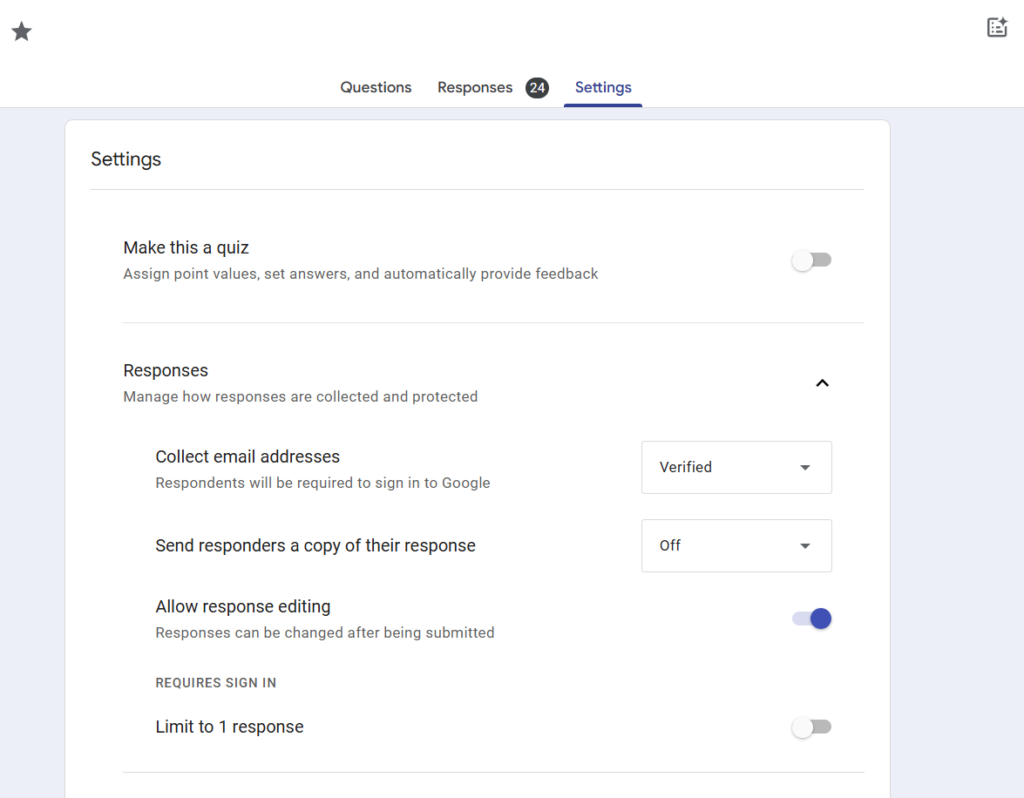
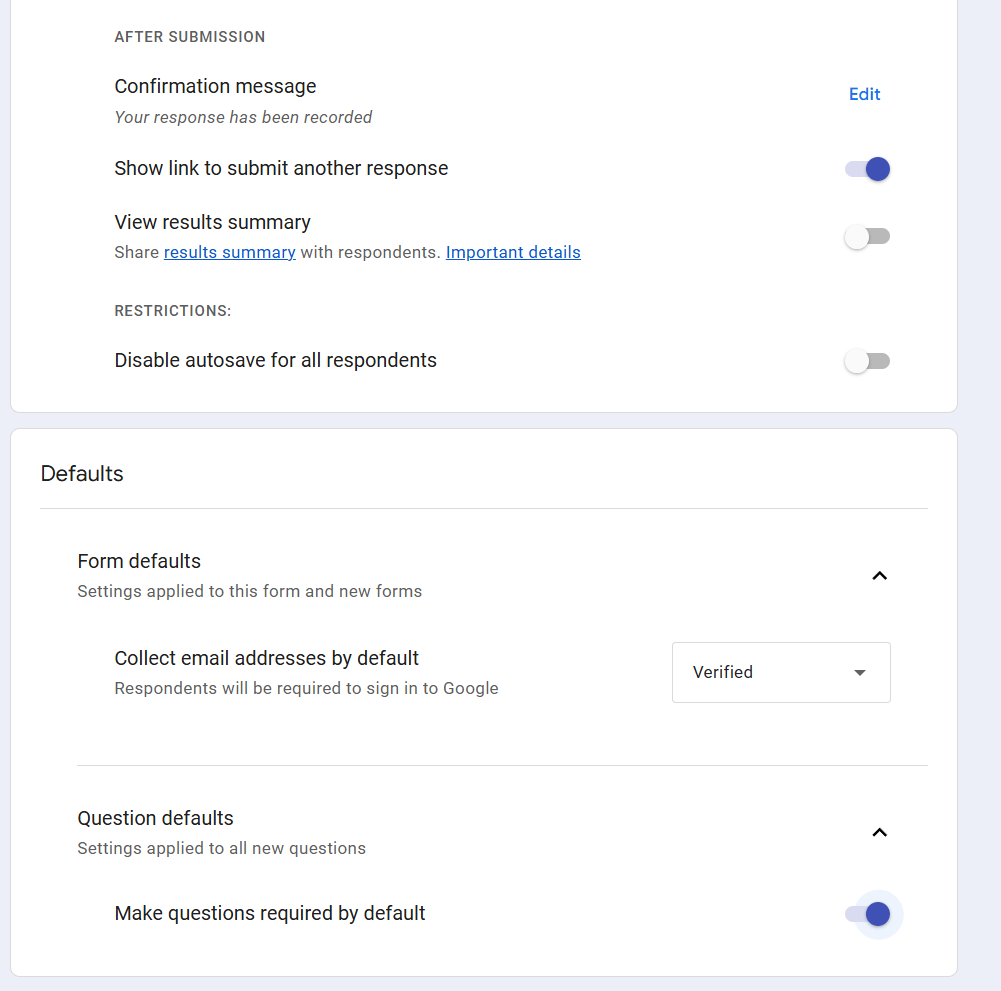
- Go to forms.google.com and click “Blank Form.”
- Add the questions listed above.
- Click “Send,” copy the link, and email it to yourself and your spouse/caregiver.
- Pro Tip: Open the link on your phone, tap “Share” (iOS) or the menu dots (Android), and select “Add to Home Screen.” Now it looks and acts just like an app.
The Result
When my pharmacy billing nightmare happened, I didn’t have to rely on my foggy memory. I opened my spreadsheet and saw exactly who disconnected on me on January 29th, and exactly what “Curtis” told me on February 6th.
That data wasn’t just notes; it was evidence. And evidence is the only thing that wins insurance appeals.
Disclaimer: I am a Speech-Language Pathologist and person with chronic illness, not an insurance broker or attorney. This post shares my personal experience and is not intended as legal or financial advice.
- When the board flips: Paddle boarding through choppy waters
- Don’t Lose Track of Health Insurance Calls: A free tool for patients and families
- “Patient’s Log”: Track your Insurance Calls Like a Provider (In 60 seconds)
- When $60 Becomes $800: How to Catch (and Fix) Health Insurance Errors
- Simple Kanban Task Tracker! Free!