
Review: Guava Health: The Ultimate “Spoonie” Command Center
Reviewer Profile: Complex chronic illness patient juggling multiple specialists, managing daily symptom swings, and wading through the endless administrative sludge of health insurance and disability paperwork.
If you have a complex chronic illness, you aren’t just a patient—you are essentially running a small, unpaid medical accounting firm just to stay alive. Between logging into five different patient portals, tracking biometric data from wearables, sharing labs across providers, and remembering to take your medications, the administrative burden alone is fatiguing.
I’ve been using Guava Health Premium for over a year now, and I want to share my experience with patients and providers.
See my disclosures.
The Quick Verdict: Your “Spoonie” Command Center
My Rating: 4.9/5 Spoons (everyone has room to improve)
TL;DR:
Guava Health turns the administrative nightmare of managing chronic illness into a centralized, searchable “second brain.” It stops you from drowning in medical paperwork by syncing your health records, simplifying tax and disability filings, and correlating your wearable data with your actual symptoms.
- Privacy First: HIPAA-compliant; they do not sell your data.
- The Ultimate Spoon-Saver: Automatically generates provider lists, visit summaries, and chronologies for insurance or disability forms.
- Aggregator: Connects to major/minor portals and allows easy manual uploads for non-portal providers.
- Verdict: If you are managing complex health goals and tired of administrative fatigue, this is the most practical tool for self-advocacy on the market.
- Cost: Free plan for syncing/storage; Premium ($78/year) for AI assistants, health insights, and automatic data imports.
Privacy and Trust
Guava Health is HIPAA-compliant and does not sell your data. You are not locked in; you can export your records in PDF, CSV, and other formats.
The Bottom Line
Guava Health is a massive upgrade from trying to organize my medical records, imaging, and labs across multiple providers at different hospital systems. The app excels at turning scattered medical records into an easy to follow, searchable timeline.
Yes, there are some pieces I’d improve upon, BUT the app saves me cognitive energy.
Standout Features
Note: Guava Premium ($78/year – or free if your provider has a Guava Health Provider Portal) supports unlimited profile managers for families and caregivers, making it a robust tool for collaborative care coordination.
The “MOST-of-Your-Portals-In-One-Place” Aggregator

The experience
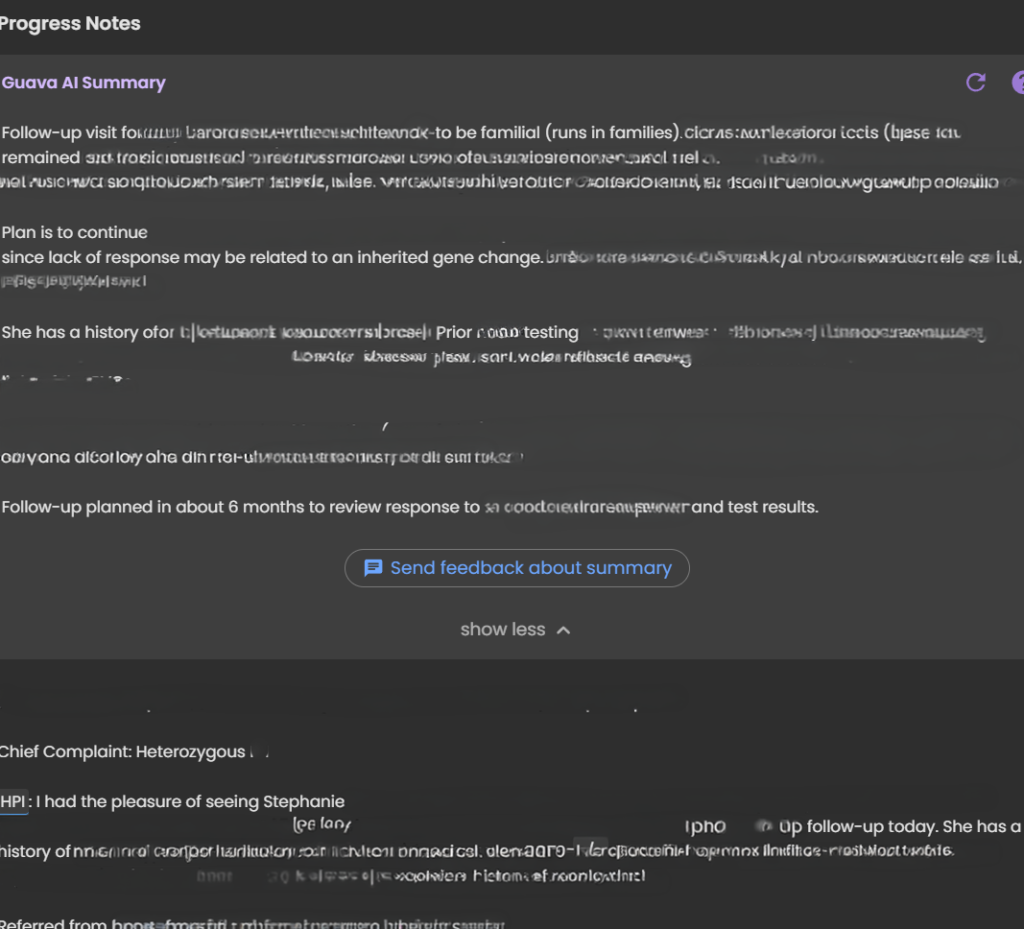
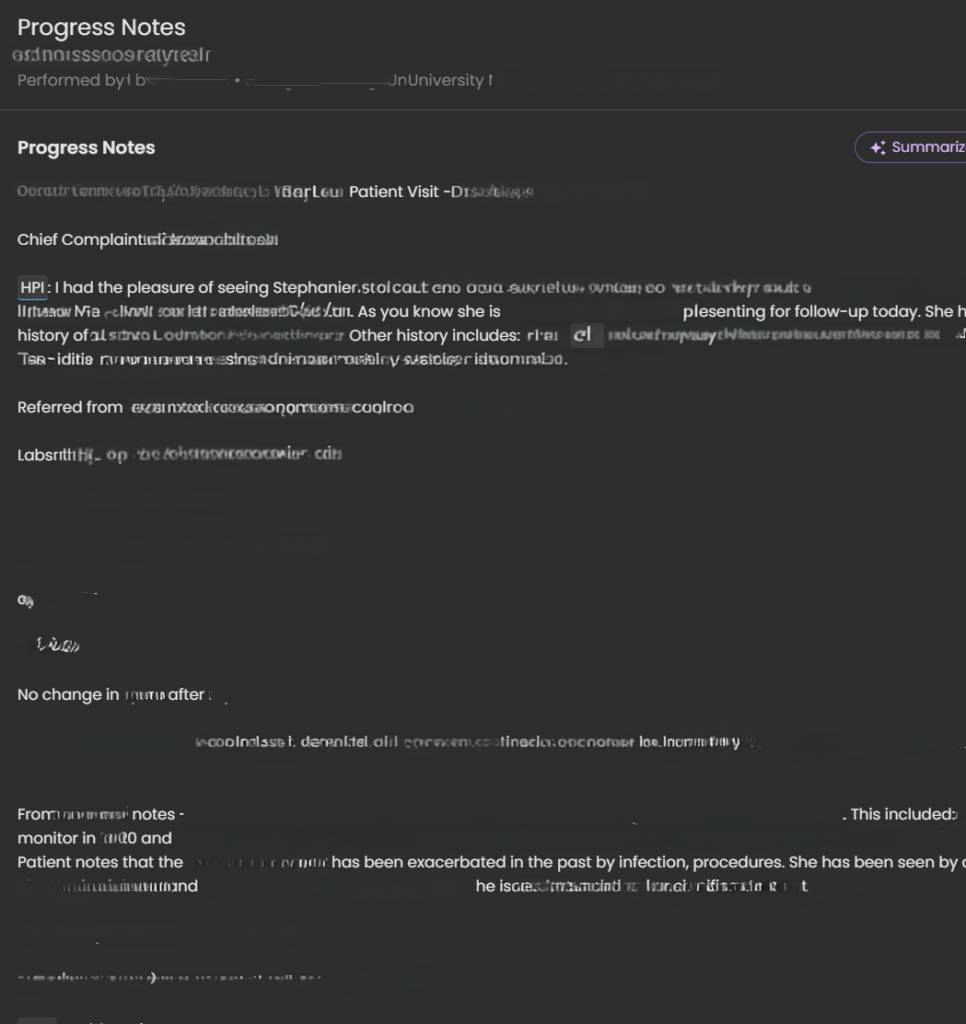
Guava Health easily connects with many patient portals including smaller providers (e.g., my dermatologist) and larger medical systems (e.g., MedStar, George Washington Medical Faculty Associates, etc.). It directly connects with LabCorp (if you have a patient portal). Guava pulled years of labs, doctor notes, and vitals into a single, clean timeline.
The Hidden Gem: Upload imaging and PDFs
For smaller clinics that don’t sync directly, you can upload old-school PDFs or download a CCDA (.xml) file from their portal and drop it into Guava.
Its AI text-parser reads the document, extracts the biomarkers, and charts them right alongside your hospital labs.
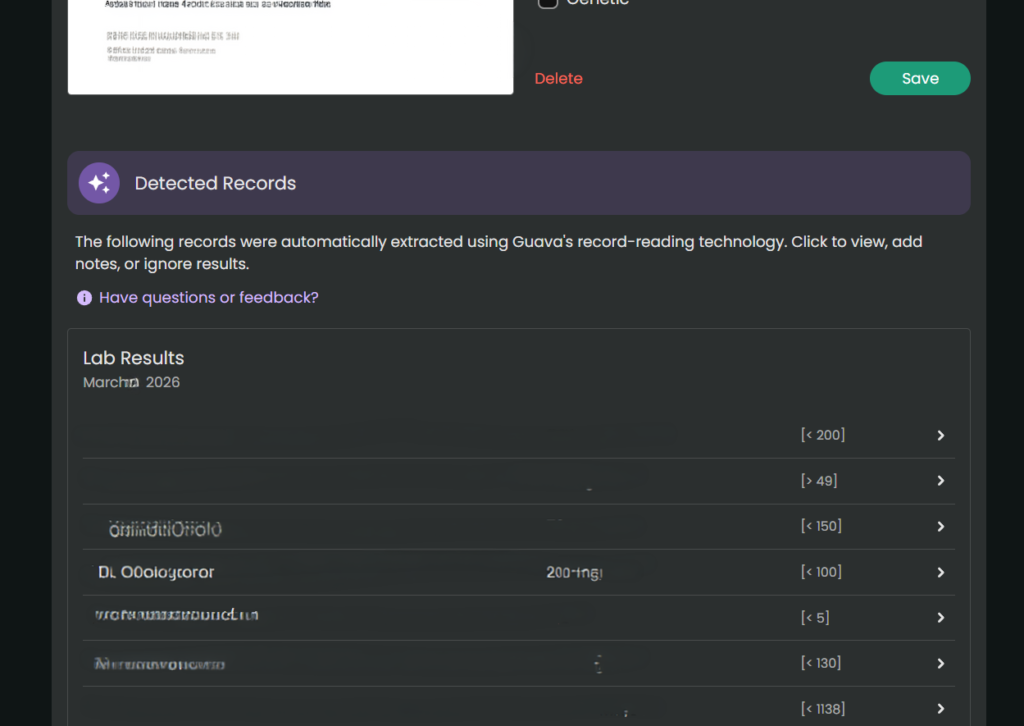
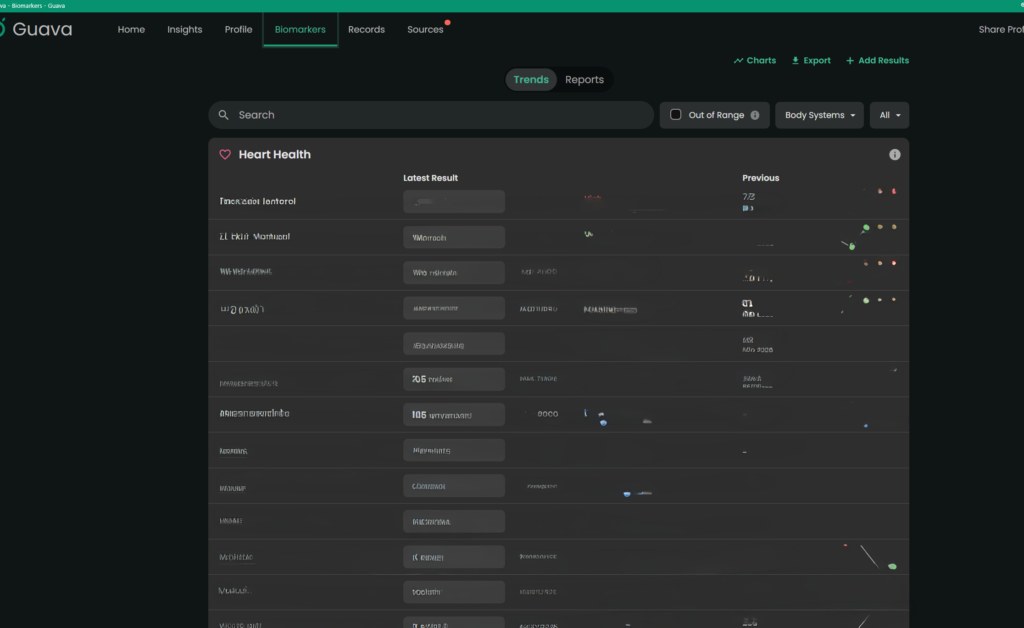
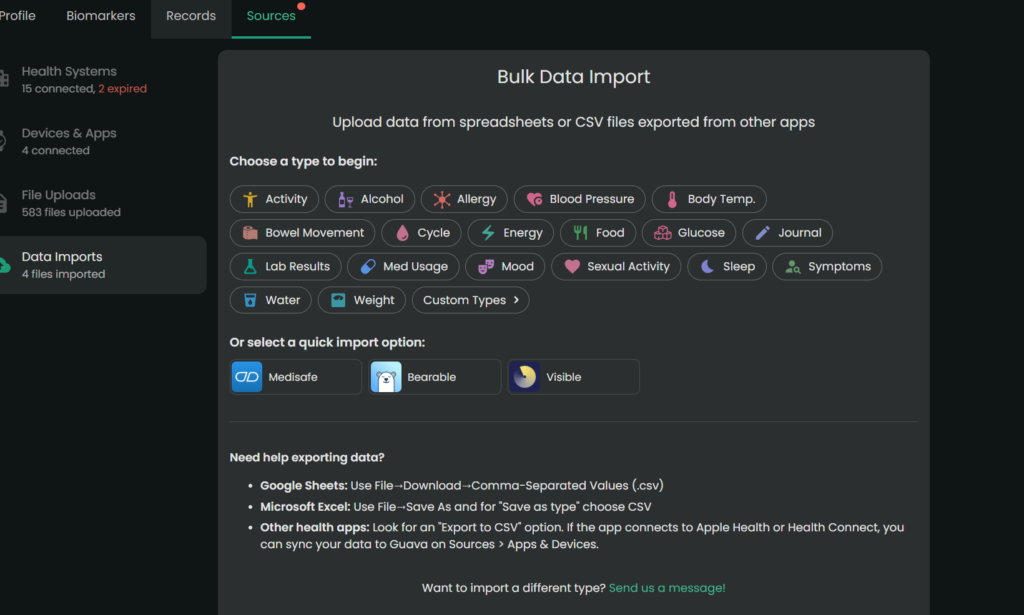
When there is conflicting data (e.g., different readings for the same day), the app currently prioritizes the most recently processed entry. Always manually verify critical or life-altering medical information. Note. You always want to double check the numbers/dates of the labs, but the parser typically pulls information accurately.
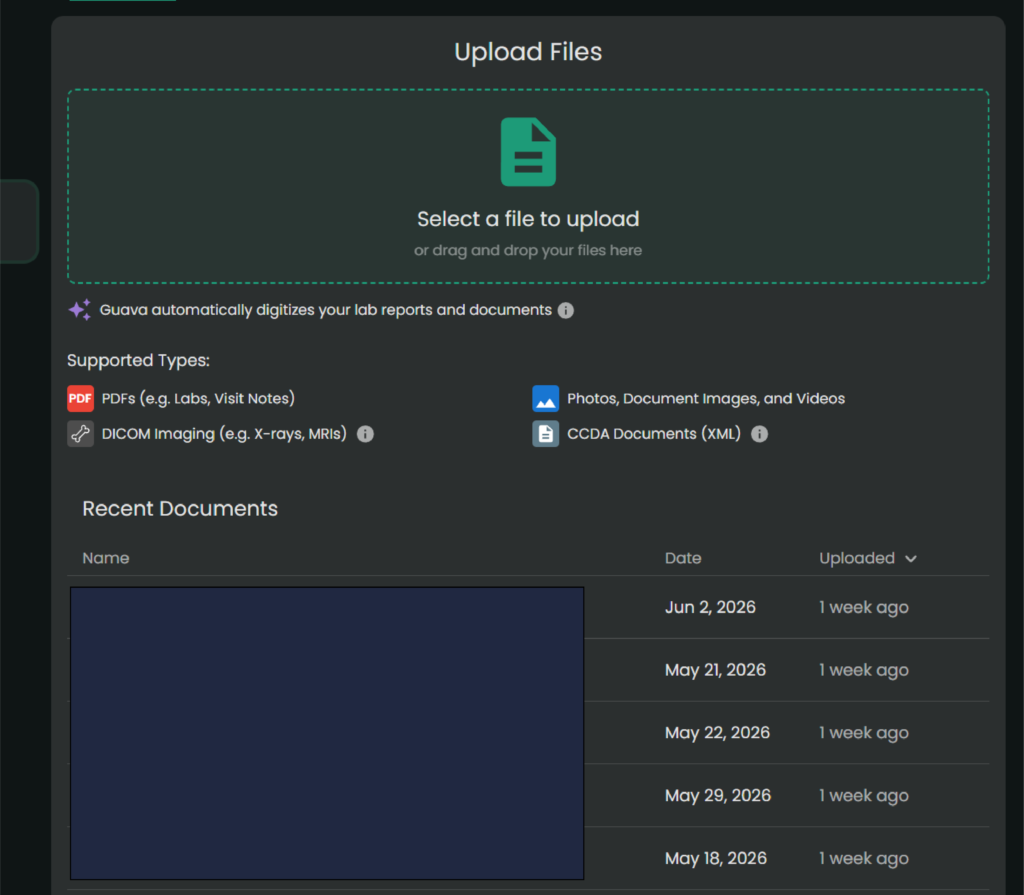
Universal Search
You can type “ferritin” or “prednisone” into one search bar, and it will scan your records to find those specific phrases.
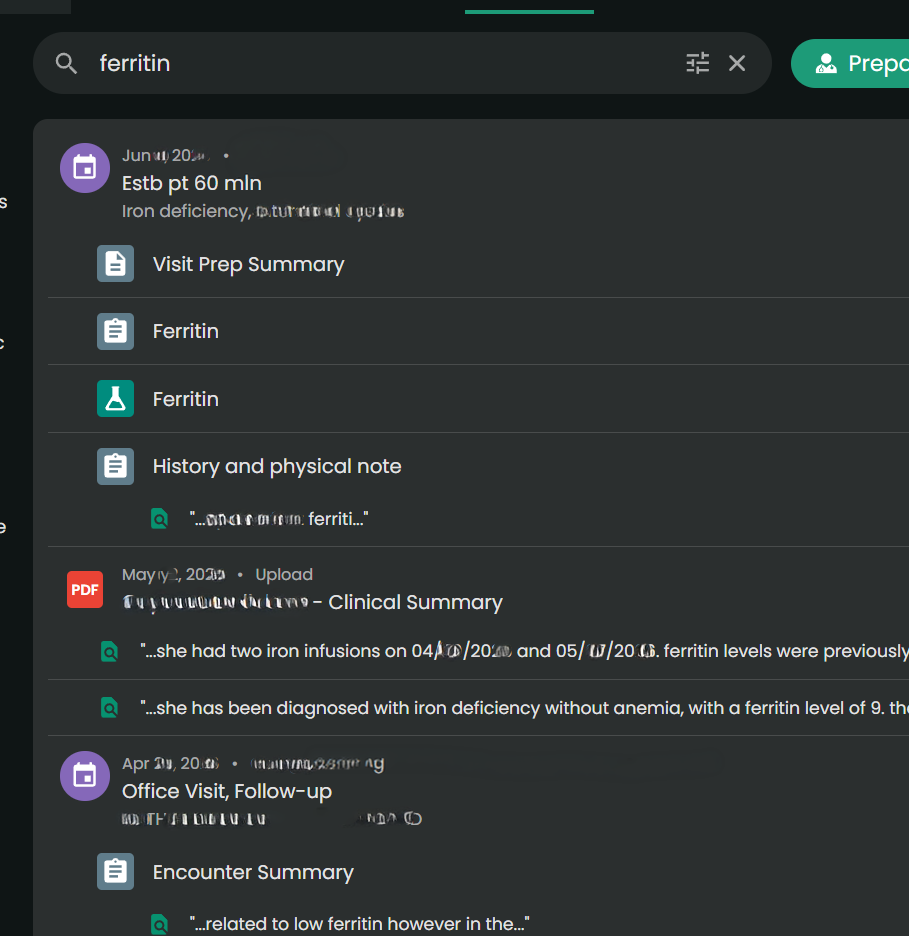
Admin Paperwork Lifehack
The Experience:
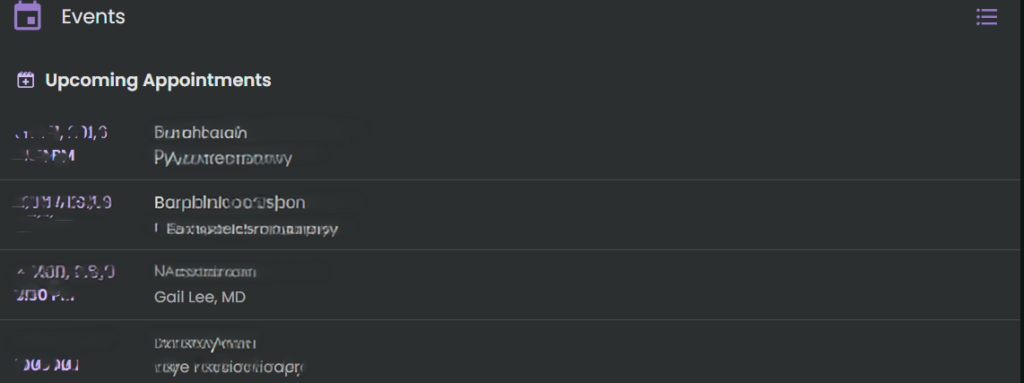
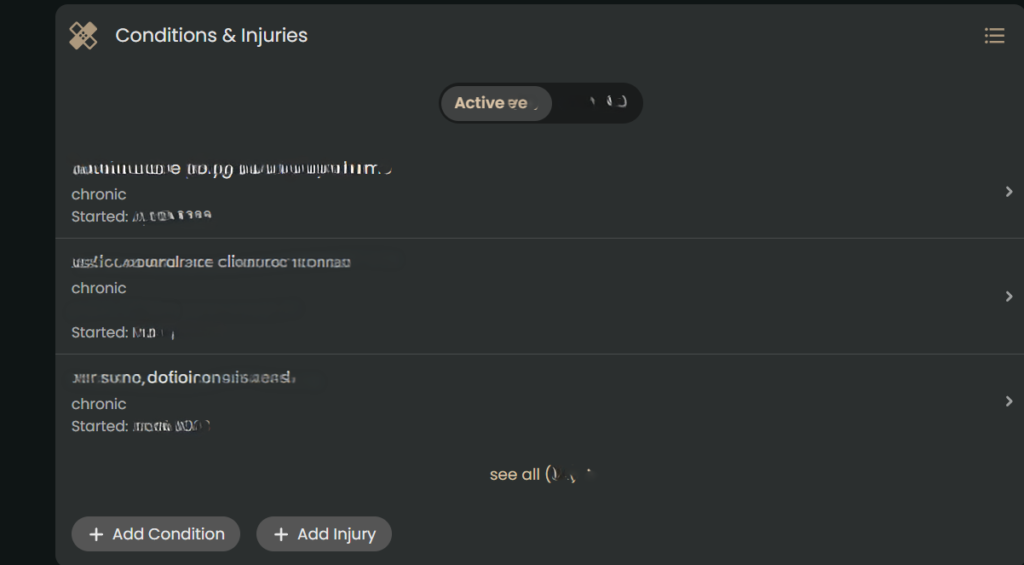
This was an unexpected game-changer. When you are filling out intake packets for providers, filing health insurance appeals, or completing disability forms, they always ask for an exact chronology of when you were seen and by whom. And providers want to know a list of medications you have tried for the condition, effectiveness, and side effects. (This part also helps with appeals for medication coverage.)
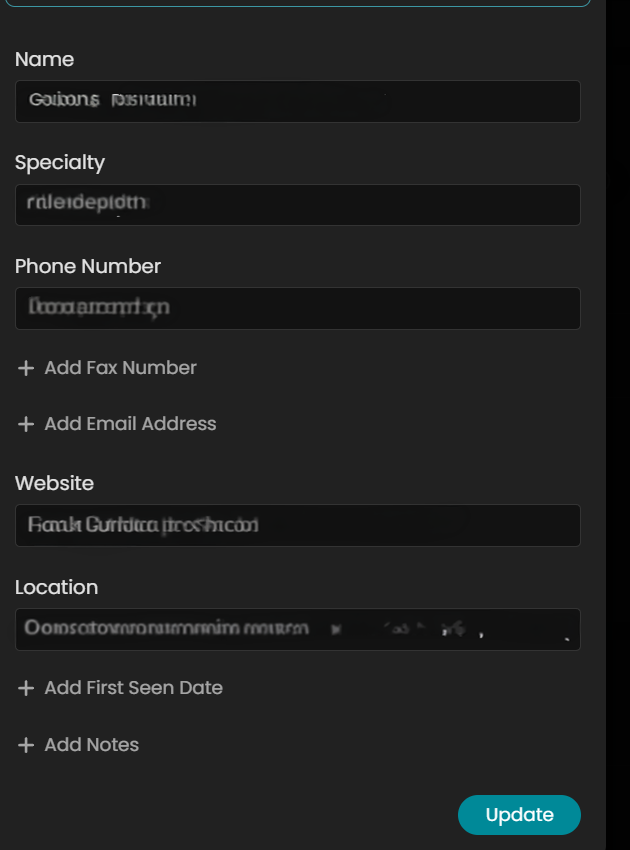
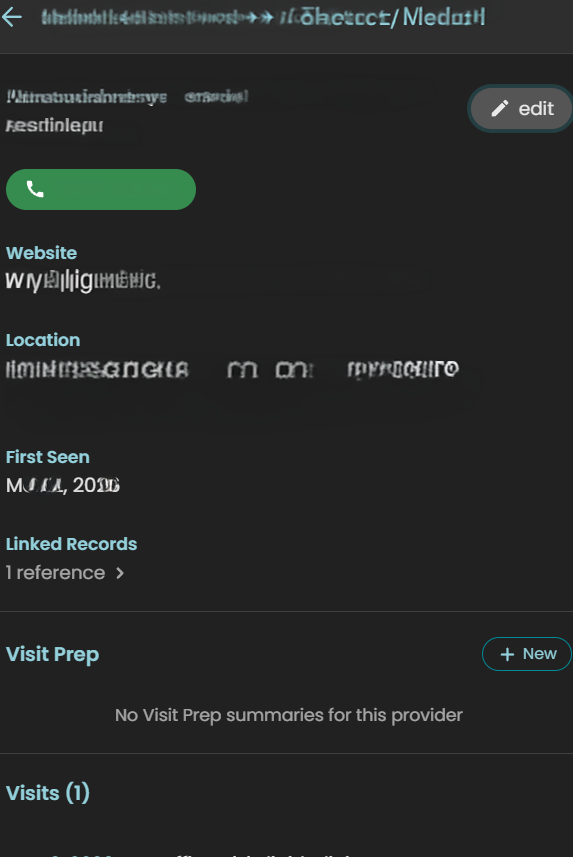
In Guava Health, it will auto-populate much of the provider information from connected portals. But I often add information to complete the provider’s profile only because it makes my life easier for completing other forms.
While manual entry for non-portal providers might take 30 seconds, that investment pays for itself ten-fold. When I need to complete disability paperwork or gather data for taxes, I don’t hunt through portals. I download my entire appointment history and provider list for the calendar year in seconds.
For taxes, I take that exported list and ask Gemini to organize it into a CSV with columns for Date of Service, Provider, and Address. I cross-reference this against my credit card statements for parking fees and use Google Maps to calculate mileage. It turns a multi-hour headache into a streamlined administrative task.
Also, you can also merge data across providers within the same department (e.g., If you see several ENT providers within 1 office, then you can merge the data in the app.)
Why it saves spoons?
The ability to download your appointment history and a unified provider list with specialties, addresses, phone numbers, fax numbers, and first visit date pulled from all your separate portals is a massive spoon saver. No more logging into three different systems and hunting through contact pages while dealing with brain fog. It handles the logistical grunt work beautifully.
Using AI for Admin and Forms
I also use the Guava Assistant to reduce the ‘disability tax’ on my energy levels. When I am faced with complex questions from disability companies, I provide the relevant records to the AI to draft a response. This guides the drafting process based on my actual data, which significantly reduces the fatigue of form-filling.
***Important Disclaimer: Always review and edit AI-generated responses to ensure they align with your own experience and professional advice. The AI is a tool to organize the ‘raw material,’ but you are the final editor.*
Guava Guardian (Beta)
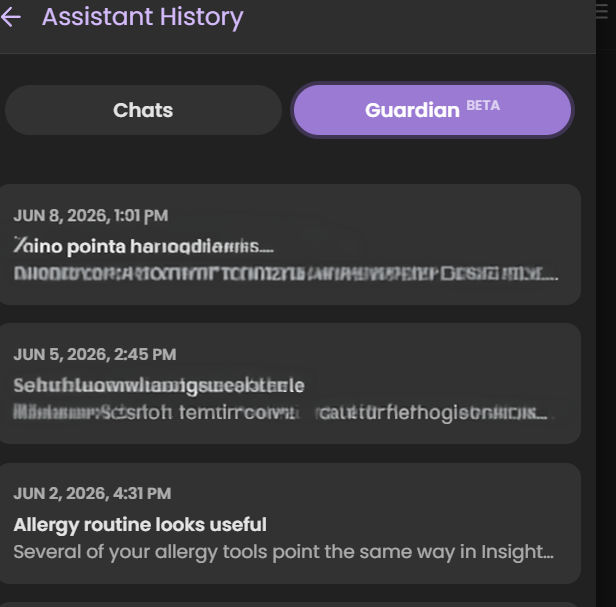
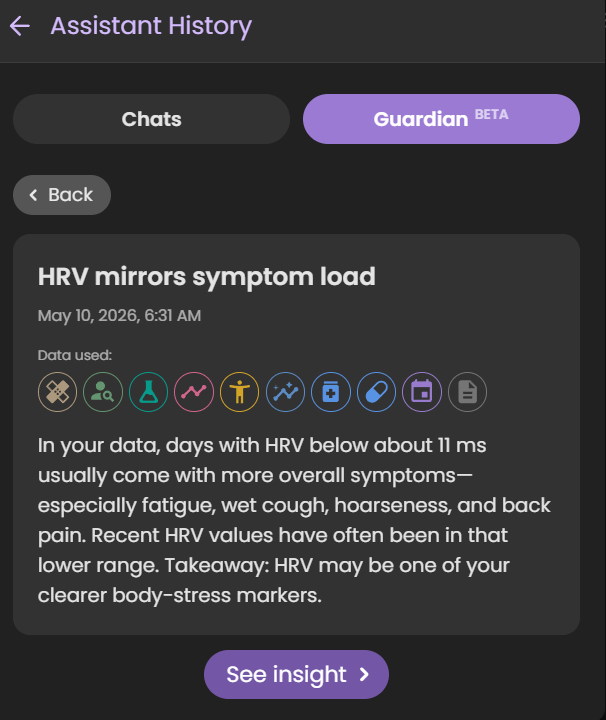
Guava Guardian (beta) is another recent addition that checks looks for changes in your biomarkers, symptoms, etc. and notifies you about different pieces of information. It recently pointed out that my HRV matches my symptom load, it has suggested I track specific symptoms differently to better see if medications do what they should, and it has even caught safety concerns for ensuring I time medications appropriately.
*Note. Just because the Guardian notes a correlation or statement about a medication, symptom, etc. doesn’t mean it is relevant to you specifically. Always check with a provider if you have questions.
Real-Time Symptom & Wearable Correlation
The Experience
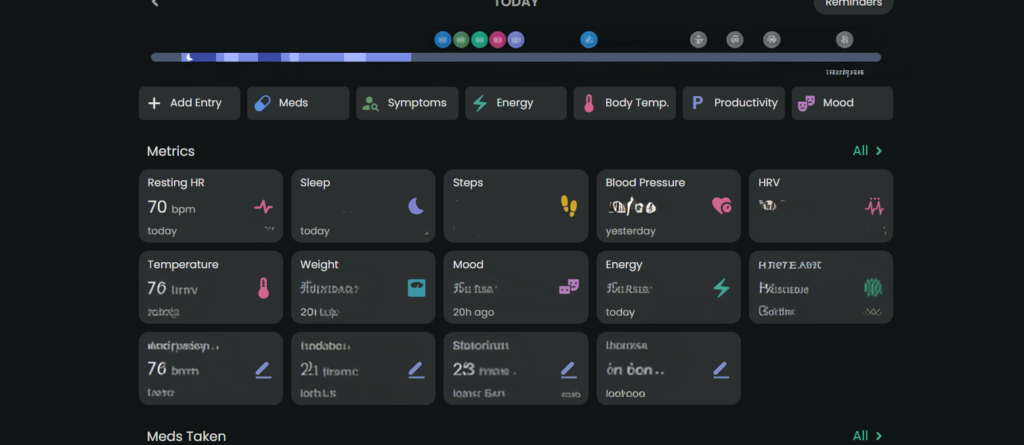
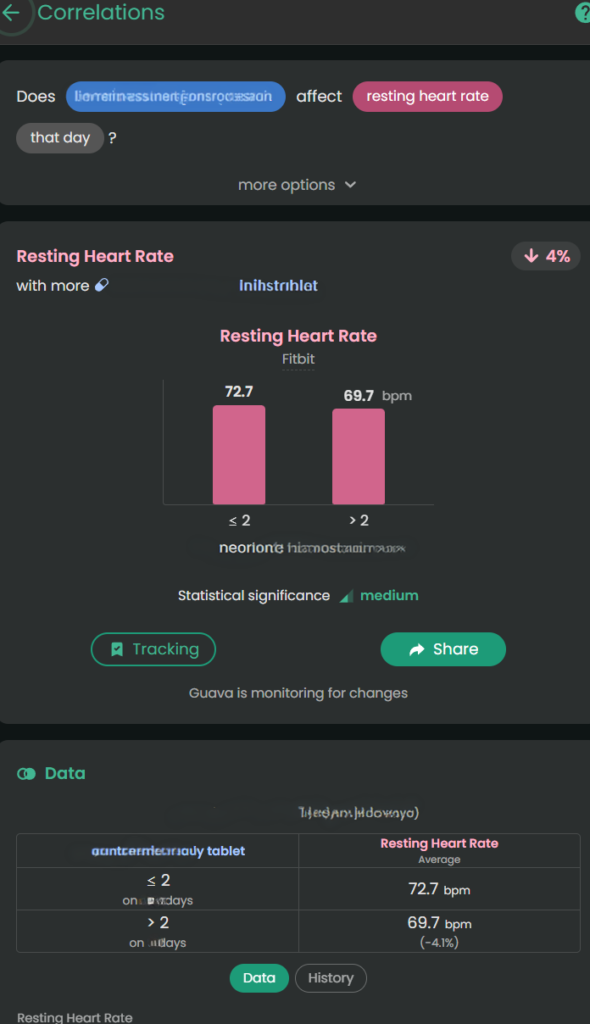
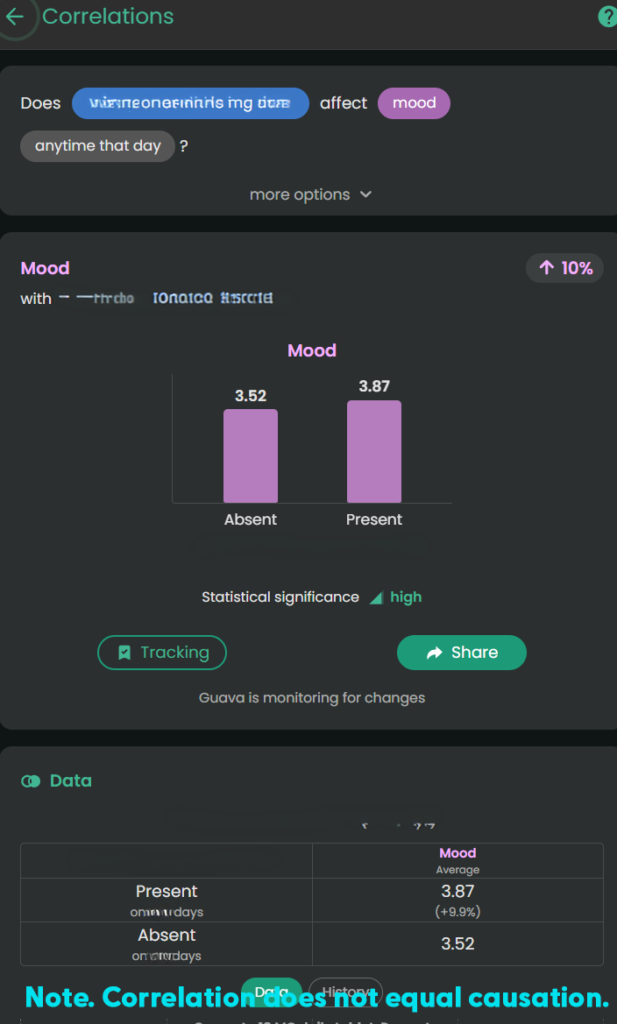
Wearable data can be overlooked by providers because it’s just raw numbers. Guava Health connects with multiple wearables (e.g., Google Health, Oura, etc.) and apps (e.g., Omron). It uses that data to “look” for insights across the data available from the wearables and apps and against my custom symptom logs, lab data, and medication data.

The Value
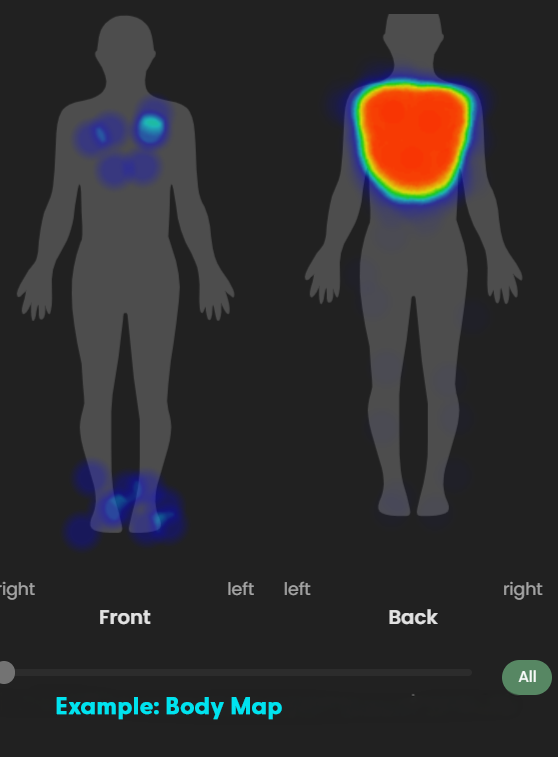
I can track my pain or fatigue on a 1–10 scale OR by merely stating “present”, take pictures of relevant symptoms (e.g., bruises, rashes, swelling), and visually map pain using a body heat map.
Guava Health provides insights about the likely impact of specific medications on biometric data, symptoms, and labs. This is helpful when I want to see if a medication has the desired effect.
Example: For stimulant medications, a provider might want to monitor the following:
- Impact on a patient’s sleep
- Impact on a patient’s executive functioning (i.e., looking for improvement)
- Impact on energy
- Impact on mood
- Impact on blood pressure
- Impact on heart rate
This gives me the “numbers” for my lived experiences:
- Higher diastolic and systolic BP with more Amlodipine Besylate or increased ankle swelling with more Amlodipine Besylate
- Lower pain with Celebrex 200 mg BID brand vs. Celecoxib generic (all manufacturers)
- Lower resting heart rate with a higher dose of Concerta (e.g., 54 vs. 36)
*Note. Correlation does not equal causation. I provide the data to providers as appropriate to help them guide my care.
The 15-Minute Appointment Visit Prep
The Experience:
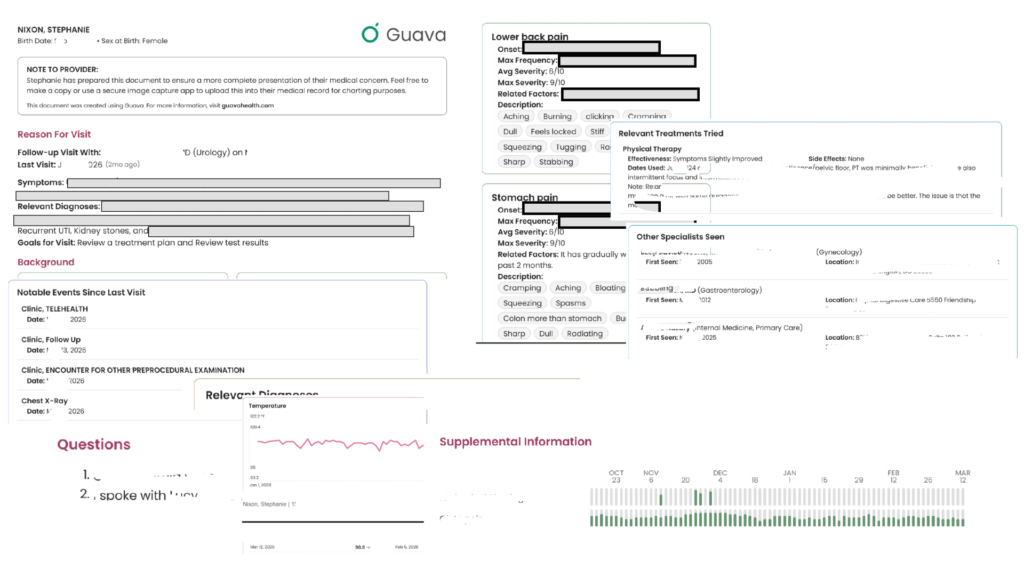
Providers are often rushed. If you hand them a 40-page printout, they won’t read it. Guava allows you to create a “Visit Prep Summary” highlighting your top concerns, current medications, and immediate questions. You can even include relevant labs and biometric data. Total sleep, resting heart rate, blood pressure – these are all examples of what you can include.
Dynamic Sharing:
You can securely send your provider a temporary, interactive web link or to their Provider Dashboard (if they have one). This allows them to click through your interactive charts on their own screen, without cross-sharing your data with your other providers unless you explicitly allow it. You can also revoke permissions to providers if desired.
Downloadable Prep:
You can also download and print the visit prep to take to the appointment.
Will all providers read through everything you provide? No.
BUT, having it available to them is helpful. In fact, this week I walked into my ENT’s office, opened Guava Health, typed the following to the AI: “Could you summarize the pattern of respiratory symptoms and changes over the past few weeks – sitting at ENT…”
And the AI summarized the trajectory of the symptoms and then provided a short statement I could share with my ENT who read through that quickly and honestly was a lot faster than me trying to recall everything over a few weeks on my own.
“For about 3 weeks I’ve had persistent mixed dry/productive cough, marked post-nasal drip and hoarseness, recurrent sore throat, and repeated swallowing difficulty with food/liquids/pills feeling stuck or causing choking/coughing. Symptoms worsened around late June to early July, with increased sinus pressure, sneezing/runny nose, ear pain, chills, and severe fatigue. I’ve felt feverish at times but haven’t had measured fever. Despite amoxicillin and regular nasal/inhaled treatments, symptoms are still ongoing.”
Guava Assistant
You can also use the AI securely in real-time during urgent visits, such as in the ER. If you have access to your lab results in the app, you can ask the AI to help explain them so you know exactly what questions to ask your provider in the moment, which helps reduce the stress and overwhelm of an emergency situation.
Some providers will take a stance of the patient brought in X pages of hand-typed notes (*side-eye* to #wordshaveweight), but others will immediately appreciate having that list of symptoms to reference for charting.
Guava Tags
Guava Tags are NFC tags you can use to log medications, exercises, water, etc. I personally use them to log PRN medications (e.g., Tylenol, migraine meds, etc.) vs. regular prescriptions. A 10-pack costs $19. You can move them to other items and reassign them later.
Tracking
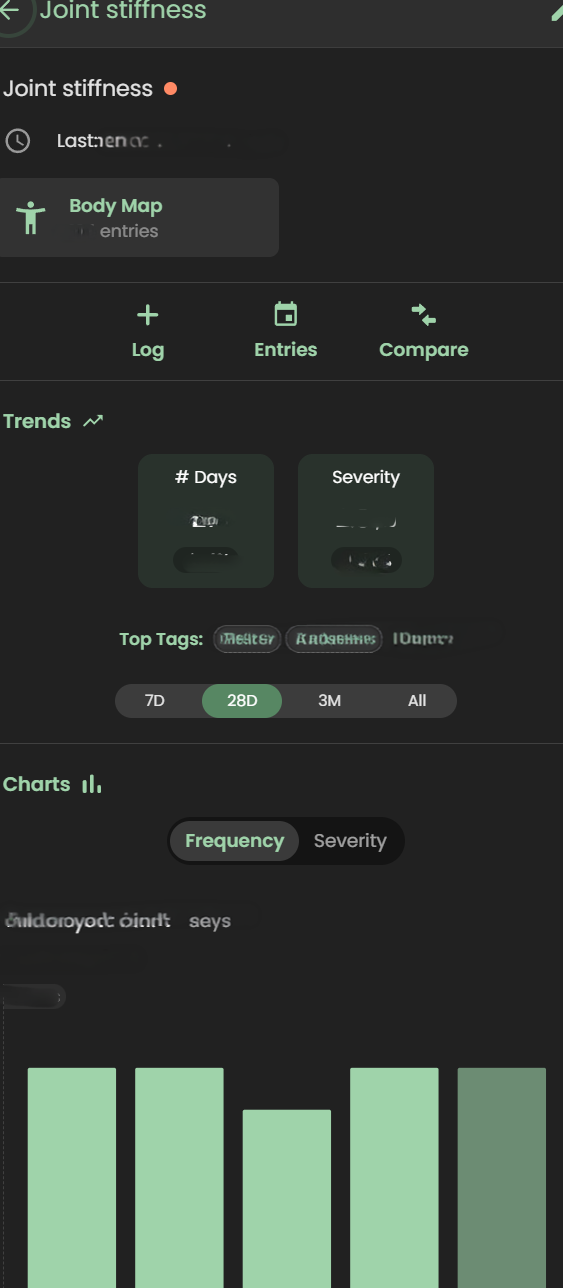
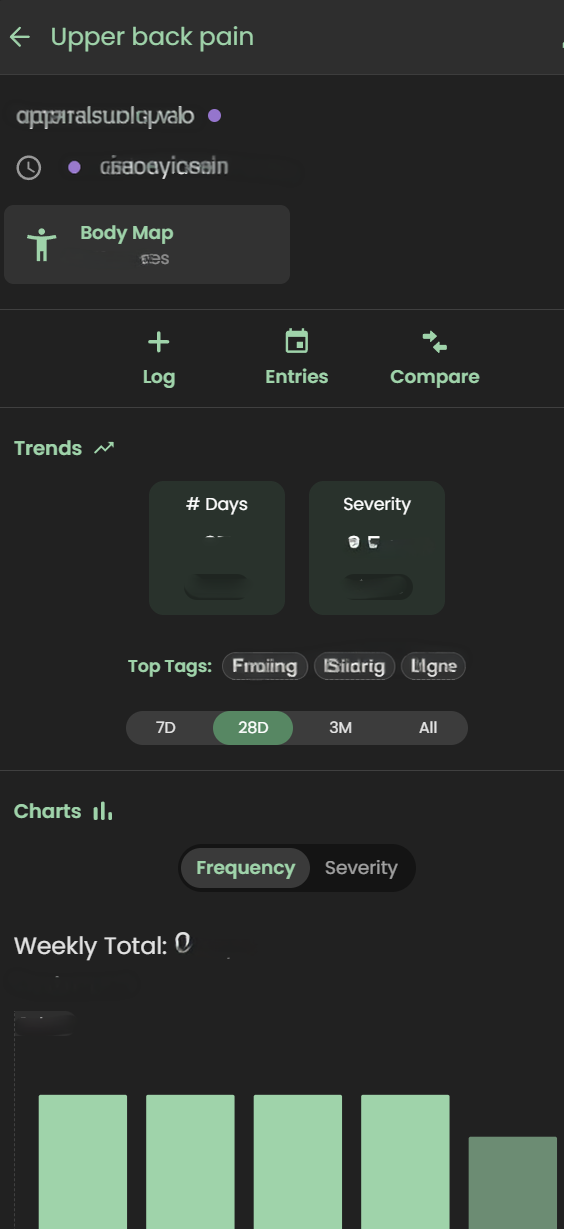
Tracking symptoms, activities (e.g., PT exercises), and medications can seem overwhelming. I get it.
But, you don’t need to do it every time you experience a symptom … for many of us that would be constant!!! I just set specific times to track and try to track at those times.
Why do I track?
- To be able to concisely describe when a symptom started and whether it changed/progressed to providers
- To help me better understand influences (medication, environmental, etc.) on my health
- To provide data on request to providers (e.g., my migraine provider wants to a count of migraine days and how they affected me)
- To data dump my symptoms
- To find the positives in a day (see Bright Spots in a Day)
For me tracking is like a “diary” of my day. I have a schedule for it (AM symptoms and PM). I rarely log symptoms or events outside of those times unless they are something worth tracking immediately (e.g., migraine starts midday; severe esophageal spasm begins; etc.)
What do I track?
- Symptoms (e.g., ankle swelling, migraines, etc.)
- Executive functioning (e.g., Problem Solving, Organization, etc.)
- Energy
- Mood
- Custom logs like productivity, bright spots in the day, and physical therapy exercises
- Medications taken
In a log, you put as much as you want or as little as you want.
- select a “tag” to indicate whatever you’d like about the symptom (e.g., right ankle, tingly, frequent, constant, 1-2 times during the day)
- use the body map to note where it occurred
- add a picture (if relevant like with a rash)
- write a paragraph with additional details
- use the number to note severity or even just mark the symptom as “present”
The custom logs can function like a diary where one day you might just put a “tag” or other days you could write a multi-paragraph description of events.
Medication Management: Reminders, Adherence, and Safety
For those of us managing complex regimens—especially with cognitive fatigue or ADHD—medication reminders are a game-changer. I’ve known about “pager” systems, but Guava’s system is a massive step up.
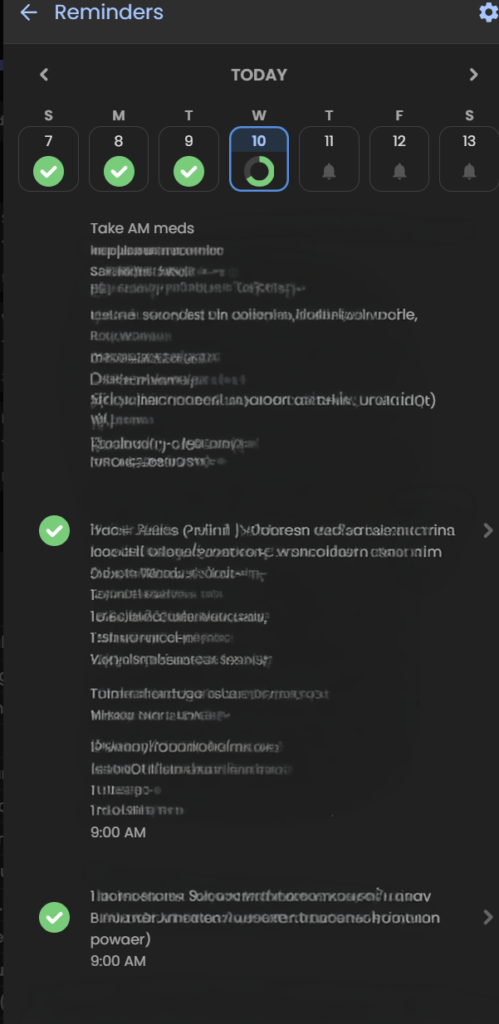
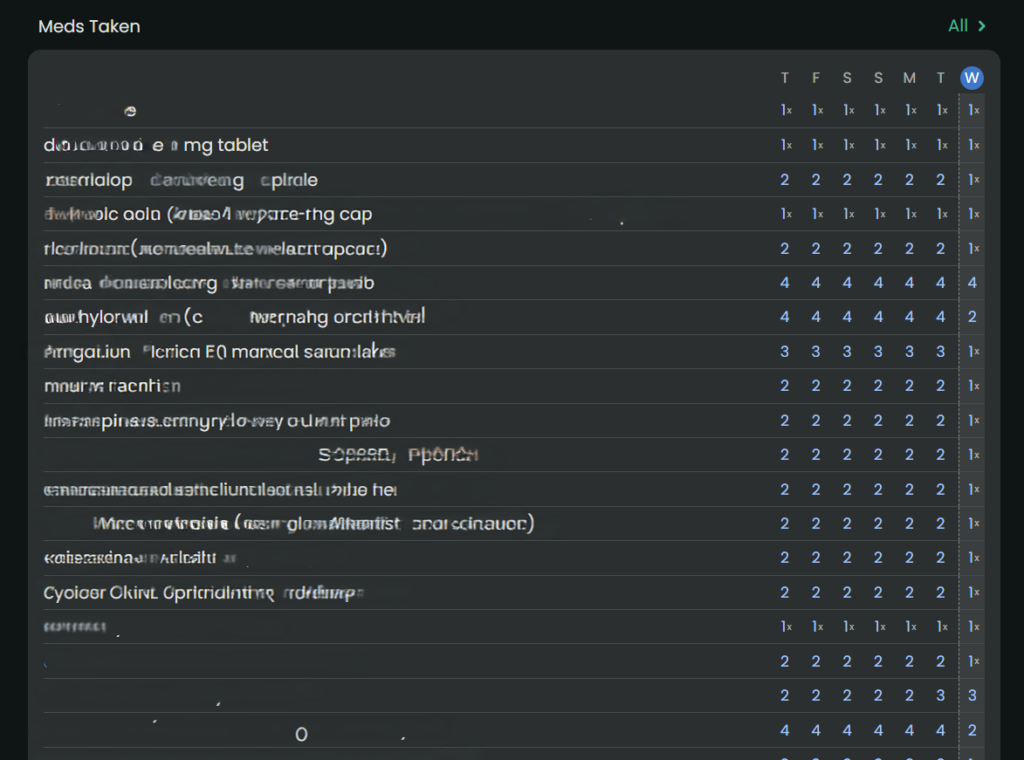
- Consistent Reminders: It’s not just for daily pills; it’s for spacing out temporary treatments. For example, if I’m on an antibiotic that needs to be spaced out from my PPI, I can set a distinct, secondary reminder schedule to keep me on track without having to do the mental math.
- PRN Organization: For “as-needed” (PRN) medications, I use Guava Tags. It’s an easy, manual way to log these meds without cluttering my daily scheduled reminders.
- Safety First: Guava Guardian (beta) adds a critical layer of safety. It recently notified me about medication timing when it saw a new prescription that required careful spacing from my existing meds. This automation removes the anxiety of potentially dangerous overlaps.
Merging Information
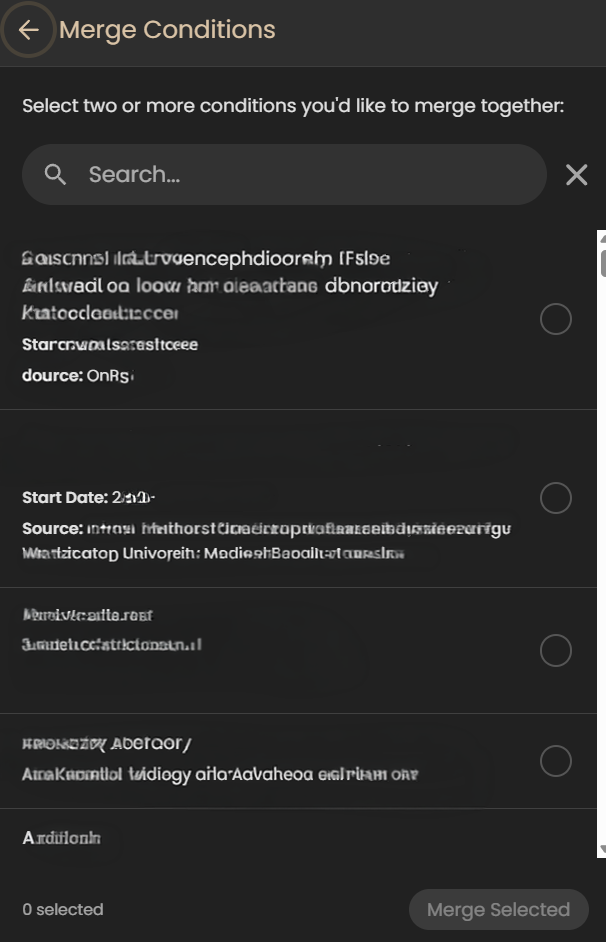
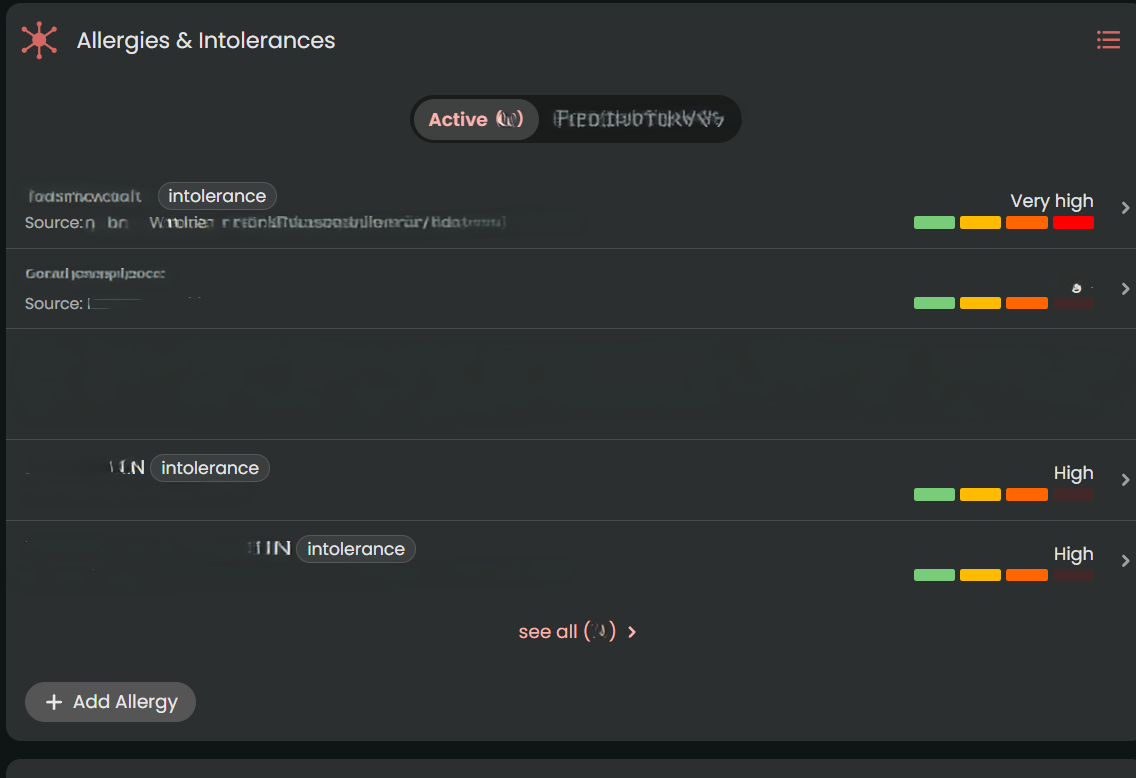
Although this may seem like a little deal, for me it’s huge. When I’ve tried other apps that pull from your portal (e.g., Perplexity, Novellia, Pluto, etc.) they don’t allow me to merge the information – to clean it up.
Here’s what I mean – so let’s say you log into the app and see the same medication listed in several ways (e.g., Amlodipine, Amlodipine Besylate, Norvasc, etc.). They are all the same medication, but each one is listed separately in an app. It becomes cumbersome to sift through the data to find what is relevant to you. And you can’t merge any the information in most apps, but in Guava Health – you can.
You can merge conditions, medications, and more.
Some areas that I’d love to see developed:
- PRN Tracking: While Guava is fantastic for scheduling routine medications and supplement reminders, it lacks advanced conditional safety logic for “as-needed” (PRN) medications. For example, if you log a heavy PRN pain medication, the app won’t automatically throw up a warning alert if you accidentally try to log another dose too close to the previous one.
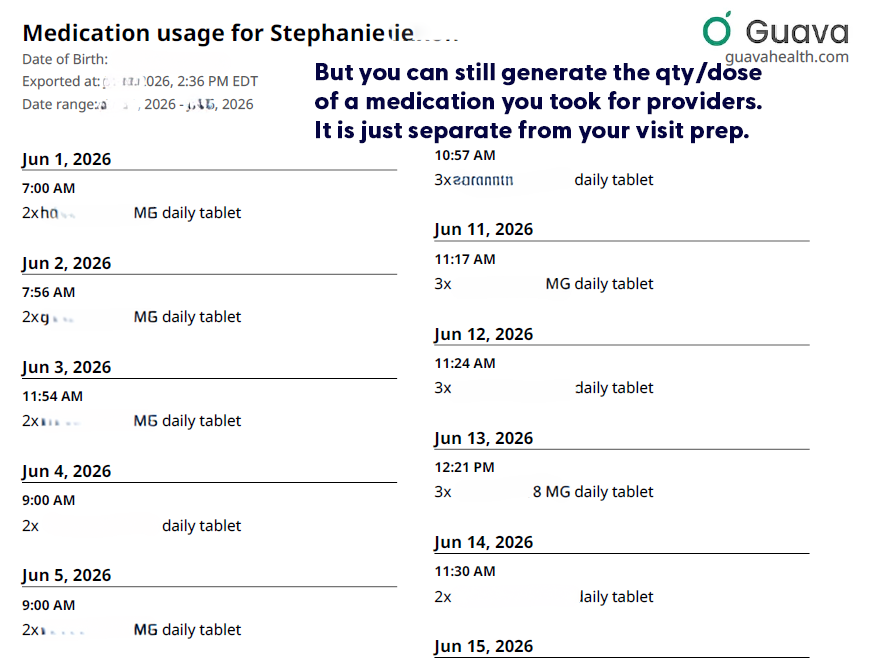
- Including medication qty/dose taken on visit preps: Currently the visit prep shows the doctor whether you took the medication (i.e., logged taking it), but it doesn’t tell the provider how much medication you took each day. (i.e., Did you need to take more migraine medication, pain medication, or ADHD medication that day?) But you can still download that list directly from Guava’s interface, for each day.

- Tiny metadata choices can make a big difference. If Guava eventually allowed users to mark a custom symptom as ‘higher = better’ or ‘higher = worse,’ it could make behavioral tracking much clearer. This would be especially helpful for executive-functioning and ADHD-related tracking, where users may be measuring improvement in skills rather than worsening of symptoms.
Is it worth it?
Yes, absolutely. Free plans allow portal syncing and manual uploads. The Premium plan ($78/year) unlocks automatic health insights, unlimited family/caregiver profiles, AI-assisted data entry, and automatic lab/imaging imports. If you are managing mild health goals, Guava might be more app than you need. But if you have limited daily energy (“spoons”) and are actively drowning in medical receipts, fragmented portals, and repetitive healthcare questions, Guava is well worth it.
It takes the chaotic, disorganized puzzle of chronic illness and builds a defensive wall around your data, making it one of the most practical tools for self-advocacy on the market today.
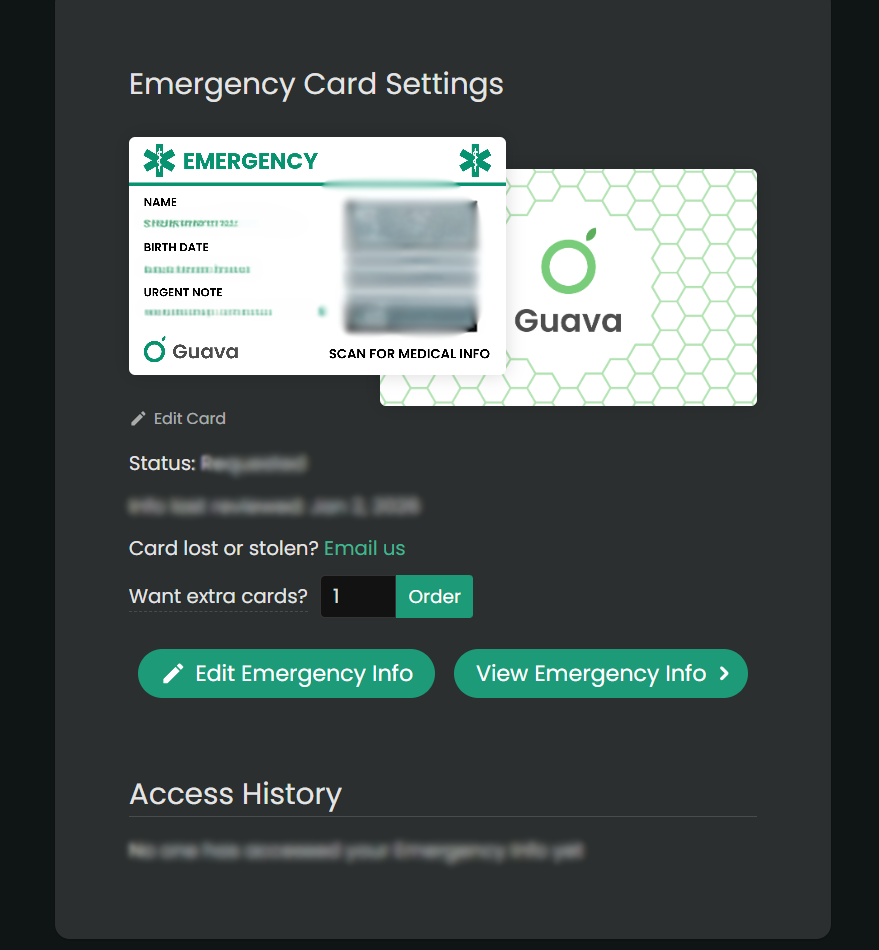
Use this link to get a free Guava Emergency Card!
If you use this link to join Guava Health Premium, you’ll get a free emergency card.
Access and advocacy, chronic illness, Health apps, navigating healthcare

Leave a Reply